Find your starting point.
Browse your audio, audition a passage, and isolate the part that makes you stop and listen.
DIGGER buttholechopper
FOR THE BREAK DIGGERS · WINDOWS
From a dusty drum break to your next kit. Chop by transient, fine-tune by ear, and put every hit in its place.
Download free trialWindows 10 / 11 · 64-bit · 7 days of saving and export
FROM THE CRATE TO THE KIT
Start with the recording. Finish with hits you want to play.
Browse your audio, audition a passage, and isolate the part that makes you stop and listen.
DIGGERDetect transients, adjust sensitivity, move cuts by hand, and audition each slice. Your ears make the final call.
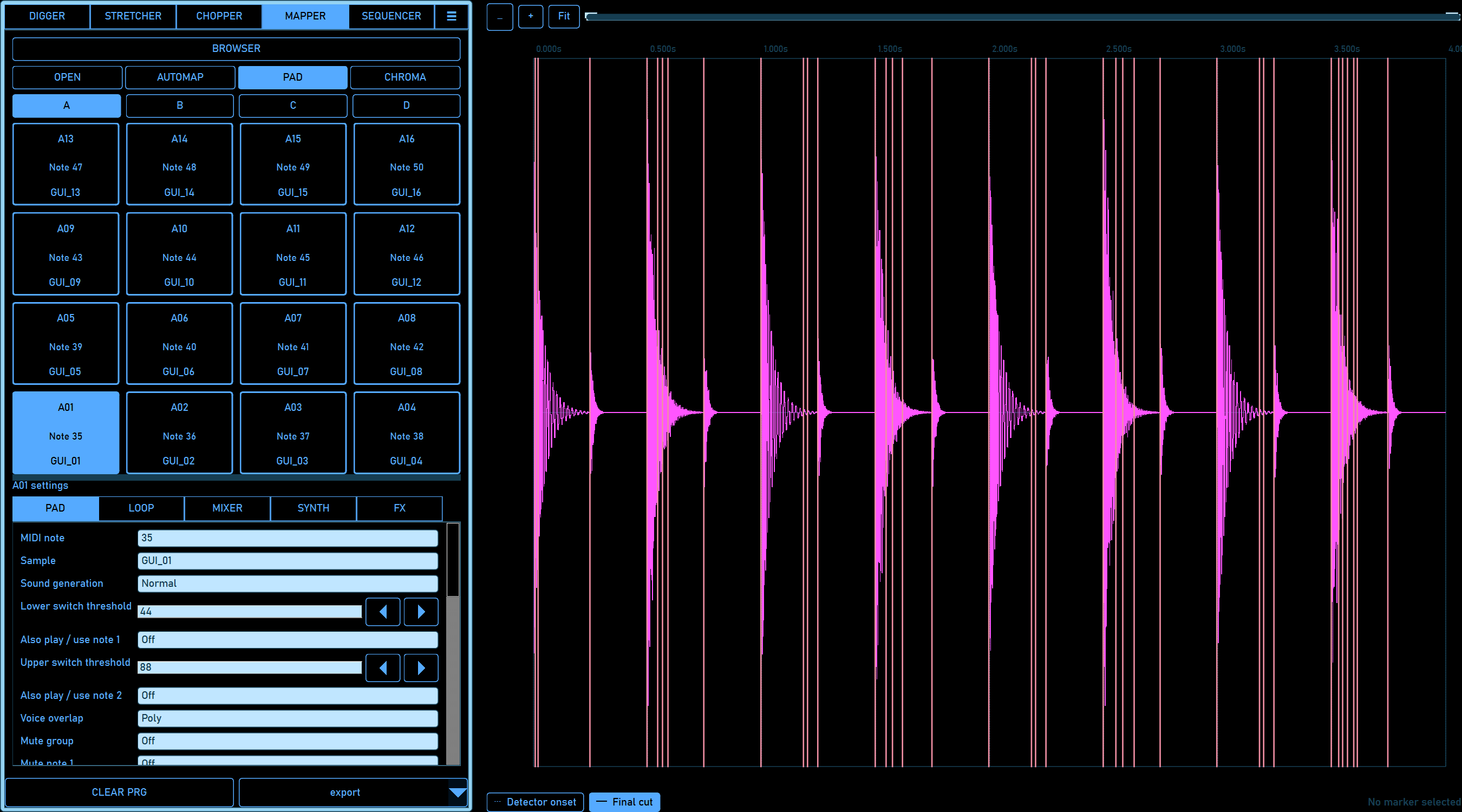
CHOPPERDrop chops onto pads or map them automatically. Shape tuning, envelopes, levels, and pan across four banks.
MAPPERSeparate export profiles for MPC2000XL programs with WAV samples and Classic MPC2000 programs with SND samples. Hardware compatibility is still being verified for the public release.
THE buttholechopper USER GUIDE
Explore every workspace with 15 screenshots from the app. Learn sample mapping, stretching, synth sounds, sequencing, MIDI controls, and exactly what each save and export format preserves.
TRY IT WITH YOUR OWN BREAKS
Download free. Explore the workflow. Buy a license from the app when you’re ready to activate.
Windows 10 / 11 · 64-bit · Unsigned installer
A FEW THINGS TO KNOW
The seven-day trial starts when you first attempt to save or export, with an internet connection required to start it. During those seven days, saving and export are available. Afterward, you can keep opening, editing, and playing audio; activate a paid license to continue saving and exporting.
Buy a license through the buttholechopper account portal or use Buy / activate in the app. Downloading the trial is free.
Windows 10 or Windows 11 on a 64-bit x64 computer. An internet connection is required to start the trial and activate a license.
The application has separate Classic MPC2000 and MPC2000XL export profiles.
Email support@evatechusa.com for buttholechopper questions.